
Local network architecture serves as the operational backbone for high-performance computing, cloud collaboration, and secure financial asset management. Mastering networking & Wi-Fi requires moving past basic out-of-the-box ISP modems and treating home connectivity as a deterministic enterprise infrastructure. A single packet bottleneck, dead zone, or unsegmented smart device can compromise productivity and expose sensitive local endpoints.
Modern high-speed standards—such as Wi-Fi 6E and Wi-Fi 7—deliver multi-gigabit throughput, expansive 320 MHz channel allocations, and deterministic latency reduction through Multi-Link Operation (MLO). Pair these protocol enhancements with structured VLAN isolation and robust encryption, and you transform consumer-grade signal broadcasts into a hardened, high-speed backbone.
Key Takeaways
- Band Segregation Maximizes Real-World Throughput: Offload legacy IoT peripherals onto 2.4 GHz bands, allocate primary workstations to 5 GHz or pristine 6 GHz bands, and prevent co-channel interference.
- Wired Backhaul Outperforms Wireless Mesh: While wireless mesh systems offer placement convenience, deploying Cat6a or fiber-optic backhauls between access points preserves total radio bandwidth and eliminates airtime contention.
- VLAN Micro-Segmentation Protects Critical Data: Segregating untrusted smart devices from core workstations prevents threat actors from using compromised microcontrollers to intercept network traffic.
- WPA3-Enterprise & Protected Management Frames (PMF): Upgrading to WPA3-Personal/Enterprise prevents dictionary-based deauthentication attacks and encrypts local handshakes against eavesdropping.
Technical Comparison: Wi-Fi Standards and Spectral Capabilities
Deploying an optimized environment requires understanding the evolutionary progression of modern wireless frequencies.
| Specification | Wi-Fi 5 (802.11ac) | Wi-Fi 6/6E (802.11ax) | Wi-Fi 7 (802.11be) | Primary Operational Advantage |
| Frequency Spectrum | 5 GHz only | 2.4 GHz, 5 GHz, 6 GHz (6E) | 2.4 GHz, 5 GHz, 6 GHz | Massive uncongested 6 GHz spectrum allocation |
| Maximum Channel Bandwidth | 160 MHz | 160 MHz | Up to 320 MHz | Doubled throughput for ultra-high-bandwidth transfers |
| Modulation Efficiency | 256-QAM | 1024-QAM | 4096-QAM | 20% increase in peak theoretical data rate |
| Latency Mitigation | Standard CSMA/CA | OFDMA + Target Wake Time | Multi-Link Operation (MLO) | Aggregates multiple frequency bands concurrently |
| Spatial Stream Density | 8×8 MU-MIMO | 8×8 MU-MIMO | 16×16 MU-MIMO | Superior client handling in dense multi-device environments |
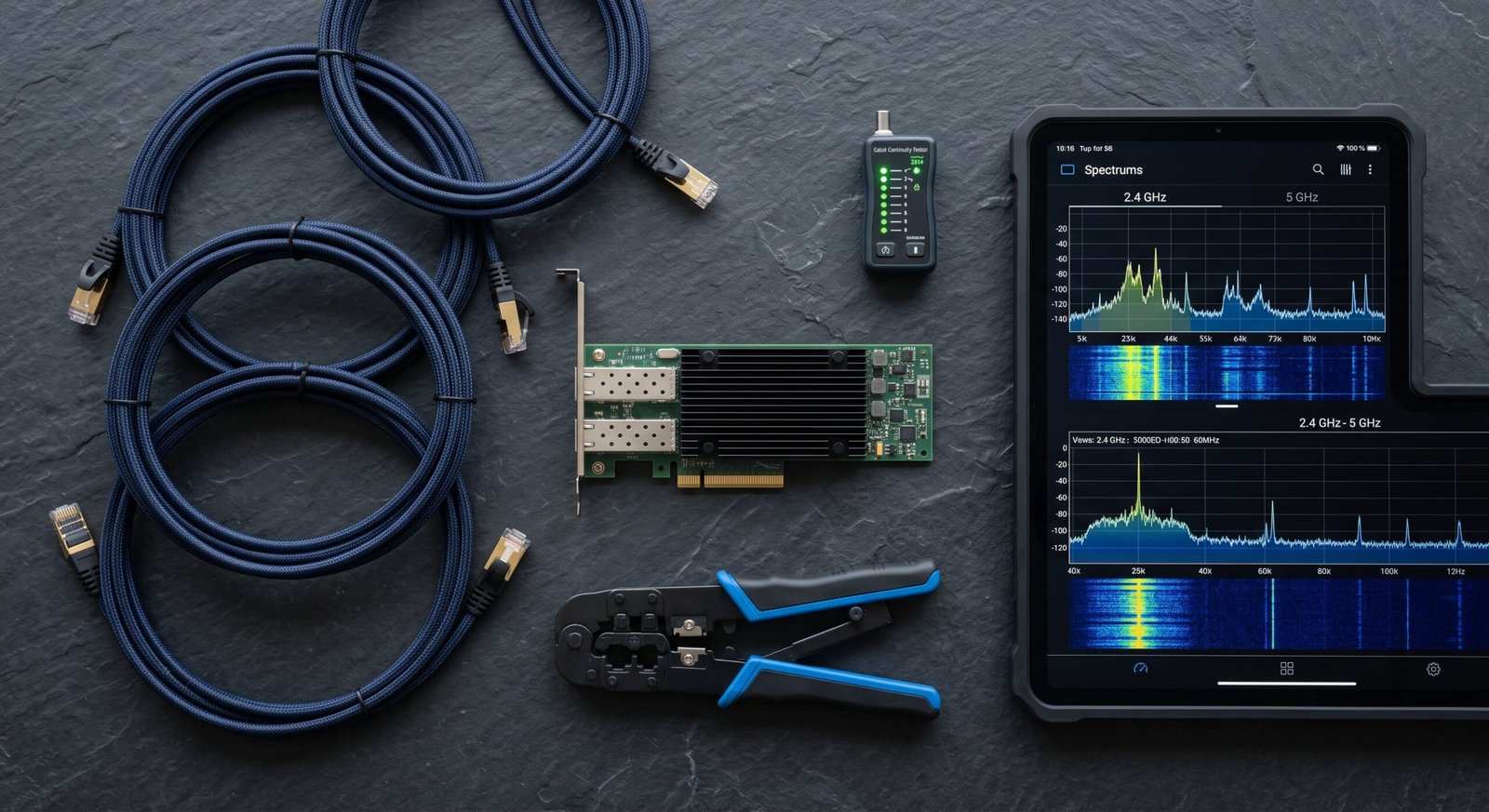
3 Core Pillars of Enterprise-Grade Networking & Wi-Fi
Constructing a dependable local infrastructure involves structured physical deployment, proactive RF spectrum planning, and targeted data routing.
1. Dedicated Hardware Separation: Bridge Mode and Dedicated Routing
Consolidated modem-router combinations issued by ISPs often have weak antenna arrays and unpatched firmware vulnerabilities.
- Modem Bridge Configuration: Switch your ISP modem into true “bridge mode” to pass public WAN IP addresses directly to a standalone router, eliminating Double-NAT routing anomalies and packet loss.
- Dedicated Gateways: Deploy prosumer or enterprise routing appliances running robust operating systems. Decoupling the routing engine from the wireless access points (APs) gives you granular traffic shaping, deep packet inspection, and local DNS sinkholing.
2. Strategic Access Point Placement and Channel Allocation
Raw radio broadcast power cannot overcome physical structural attenuation like reinforced concrete, low-E glass, or HVAC ductwork.
- Centralized Line-of-Sight Placement: Mount access points centrally on ceilings or high interior walls. Radio frequency waves propagate downward in umbrella-shaped patterns, offering maximum coverage with minimal reflective multi-path interference.
- Dynamic Frequency Selection: Manually map Wi-Fi channels to avoid crowded spectrum ranges. In the 5 GHz band, leveraging DFS channels gives you access to clean spectrum typically reserved for radar, provided you configure automatic channel switching.
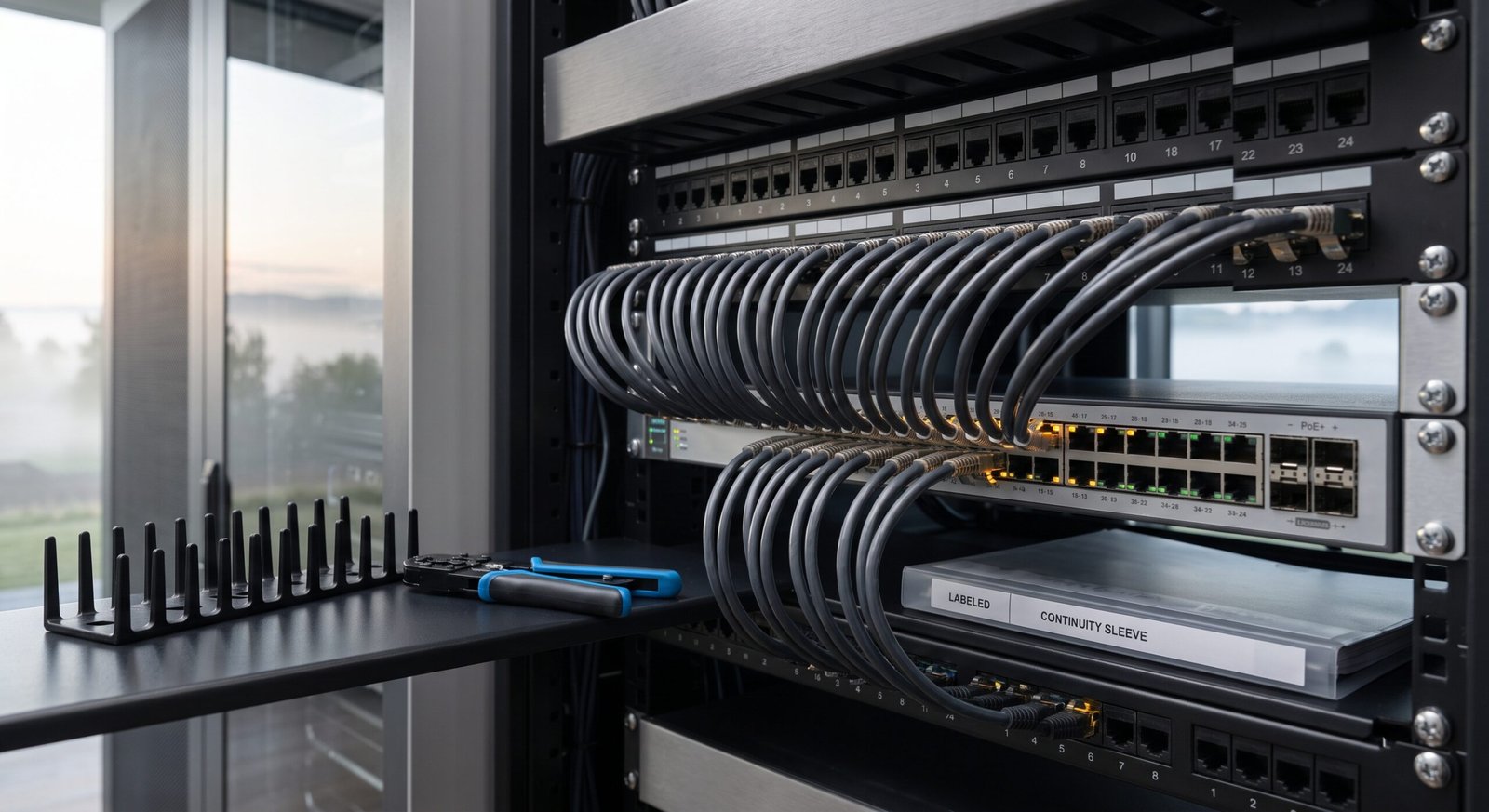
Local Security Hardening and Network Segmentation
Even the fastest connection turns into a liability if your internal local area network lacks internal boundaries:
- VLAN Separation for IoT Peripherals: Separate smart home hardware (smart TVs, appliances, unverified microcontrollers) onto an isolated Virtual Local Area Network (VLAN). Block all inter-VLAN routing to ensure a compromised smart plug cannot query local network storage or workstations.
- Hardened Local DNS Sinkholing: Route all upstream network requests through a local DNS filter (such as Pi-hole or AdGuard Home) configured with encrypted DNS-over-HTTPS (DoH) or DNS-over-TLS (DoT). This blocks intrusive tracking telemetry and automated malware domains before connection handshakes occur.
- Disable Outdated Services: Turn off Universal Plug and Play , which allows malicious malware payloads to open arbitrary listening ports through your router firewall automatically.

Achieving Long-Term Network Resilience
A performant local network requires proactive design rather than reactive fixes when speeds degrade. By deploying wired backhauls, upgrading to Wi-Fi 6E/7 architectures, and segmenting vulnerable endpoints through isolated subnets, you create a foundation that handles heavy data loads cleanly. Treating networking & Wi-Fi as critical digital infrastructure preserves productivity, guarantees uninterrupted operational uptime, and keeps your private digital environment secure.
Frequently Asked Questions About Networking & Wi-Fi
Why is an Ethernet wired backhaul superior to a wireless mesh backhaul?
A wireless mesh backhaul uses a portion of the Wi-Fi radio frequencies simply to transmit data back and forth between nodes, reducing total airtime available to client devices and introducing latency spikes. A wired Ethernet backhaul (using Cat6 or higher) offloads all node-to-node communication onto a dedicated, gigabit-speed physical wire. This preserves 100% of the wireless radio spectrum exclusively for your phones, laptops, and tablets.
What is the primary difference between Wi-Fi 6, 6E, and Wi-Fi 7?
Wi-Fi 6 operates across the congested 2.4 GHz and 5 GHz frequency bands, introducing OFDMA and MU-MIMO for device efficiency. Wi-Fi 6E expands this by opening the ultra-wide, uncongested 6 GHz frequency band, eliminating neighborhood channel interference. Wi-Fi 7 builds upon 6E by doubling channel widths up to 320 MHz, utilizing 4096-QAM, and introducing Multi-Link Operation (MLO), which lets a single client device send and receive data across multiple frequency bands at the same time.
How does a guest network improve overall network security?
A guest network isolates connected devices from your primary Local Area Network. Devices on a guest network have access to the public internet, but the router firewall prevents them from discovering, pinging, or communicating with primary personal computers, Network Attached Storage or internal management portals. This prevents untrusted visitors or cheaply built smart home accessories from serving as an attack bridge into your core systems.
1 thought on “Networking & Wi-Fi: Complete Zero Trust Security Guide”