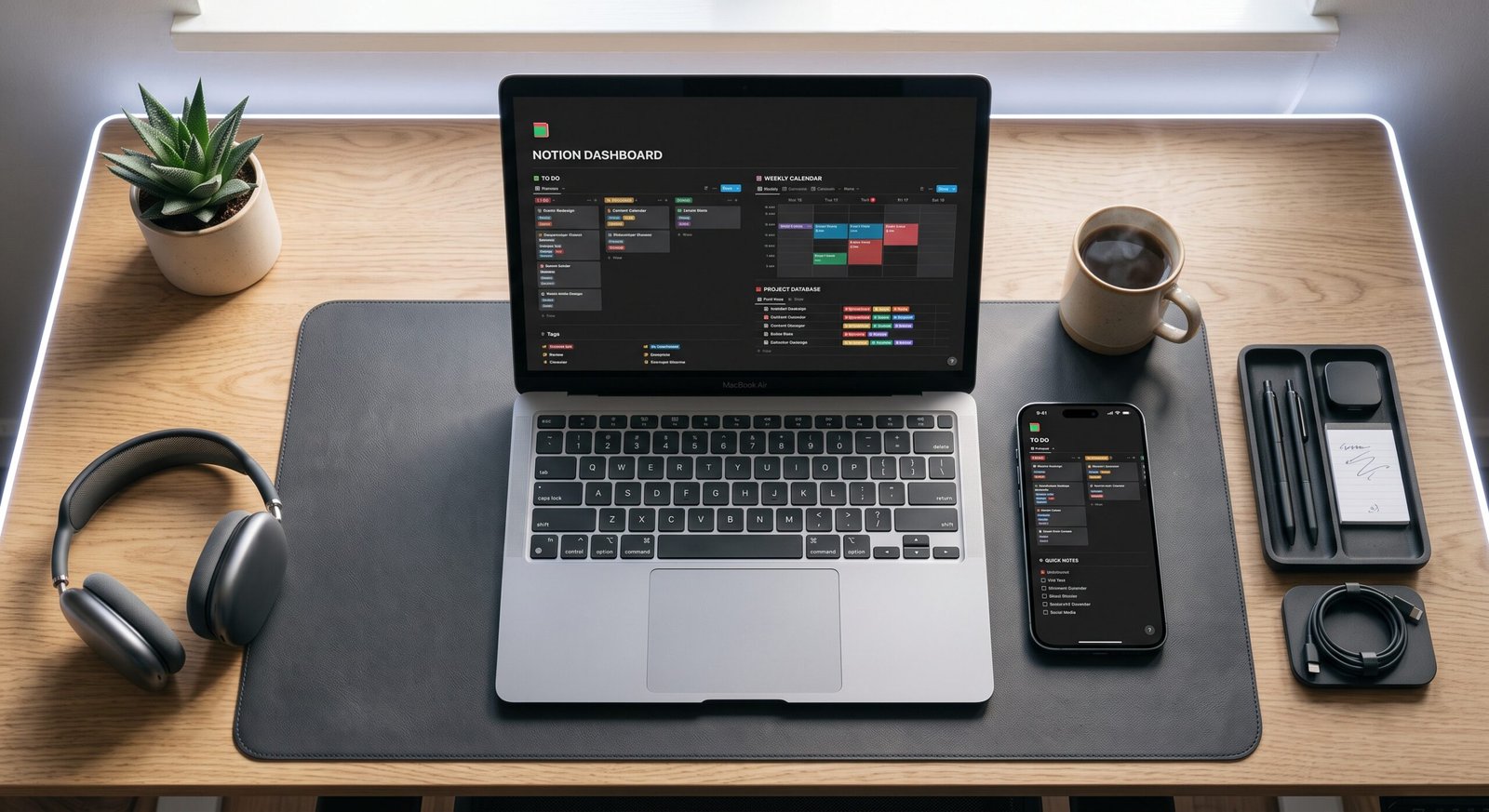
Digital clutter and fragmented task management cost professionals countless hours each week. Finding the top free productivity apps is the most effective way to regain control over your schedule, organize incoming projects, and eliminate repetitive bottlenecks without committing to expensive software subscriptions.
Whether you are managing complex independent client projects, optimizing an academic study plan, or simply trying to build better daily habits, free-tier digital tools now offer robust features that rival paid enterprise platforms.
Key Takeaways
- No-Cost Efficiency: Modern free tiers provide enterprise-grade features including cloud syncing, automation, and cross-platform accessibility.
- Specialized Tool Stacking: Pairing a flexible workspace tool (Notion) with an agile task tracker (Trello/Todoist) and a dedicated time tracker (Toggl) creates a comprehensive operating system.
- Focus on Friction Reduction: The best productivity tool is the one that requires the least administrative overhead to maintain daily.
- Cross-Device Parity: Prioritize applications with instant mobile and desktop synchronization to capture thoughts and updates on the go.
1. All-in-One Workspaces and Knowledge Management
Centralizing your notes, project documents, and resource databases prevents context switching and keeps your core objectives front and center.
- Notion (Free Personal Plan): Combines flexible block-based document editing with relational databases, Kanban boards, and customizable dashboards.
- Obsidian: A lightweight, privacy-focused Markdown editor that stores notes locally on your device and visualizes interconnected concepts through an interactive knowledge graph.
- Microsoft OneNote: Offers freeform note-taking with infinite digital canvases, audio recordings, and drawing capabilities across all platforms.
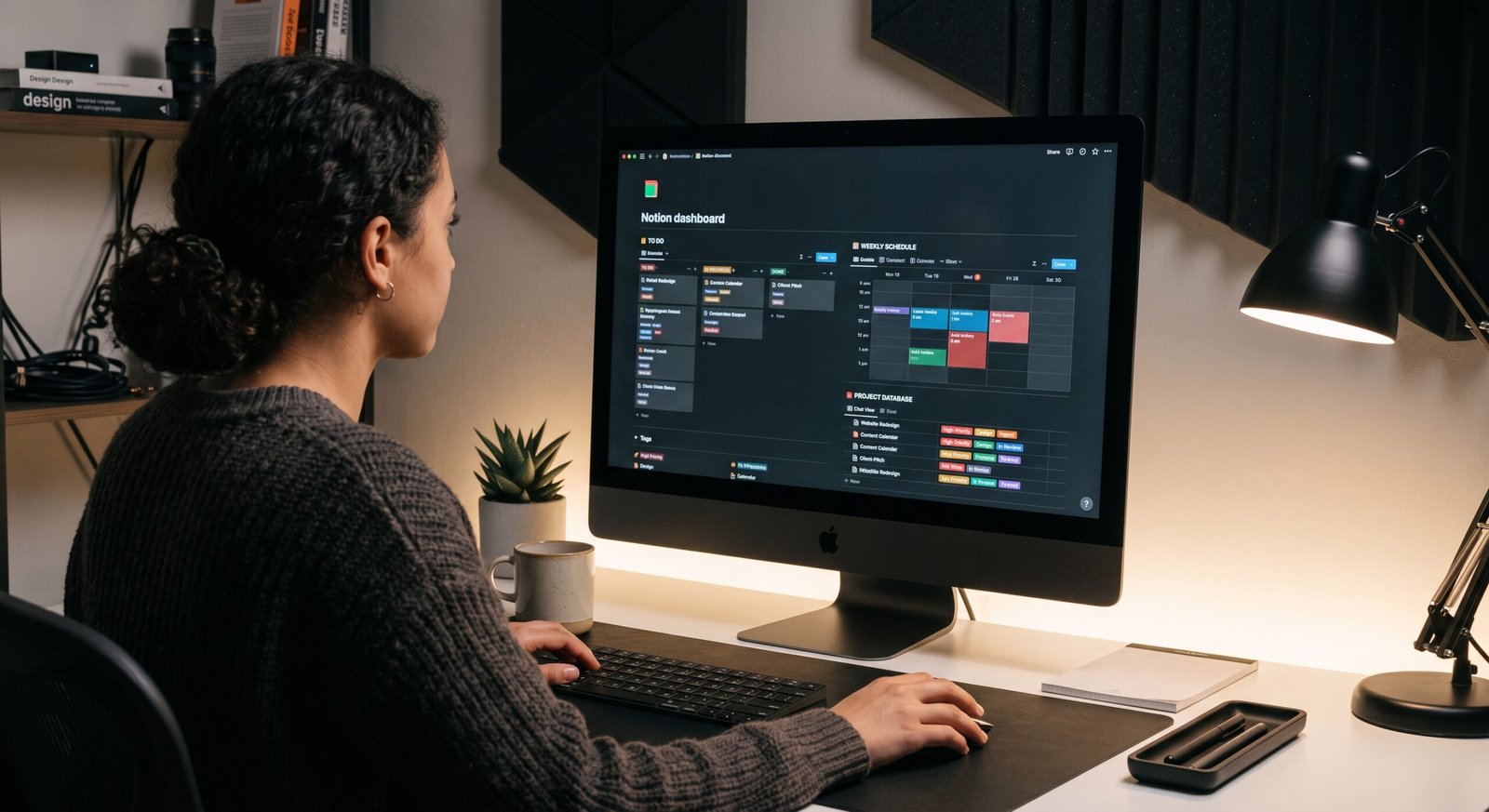
2. Task Management and Agile Tracking
Tracking deliverables across distinct execution stages ensures that critical project milestones never fall through the cracks.
| Application | Core Methodology | Best Use Case | Standout Free Feature |
| Todoist | GTD (Getting Things Done) | Fast daily task capture & sub-tasks | Natural language date parsing |
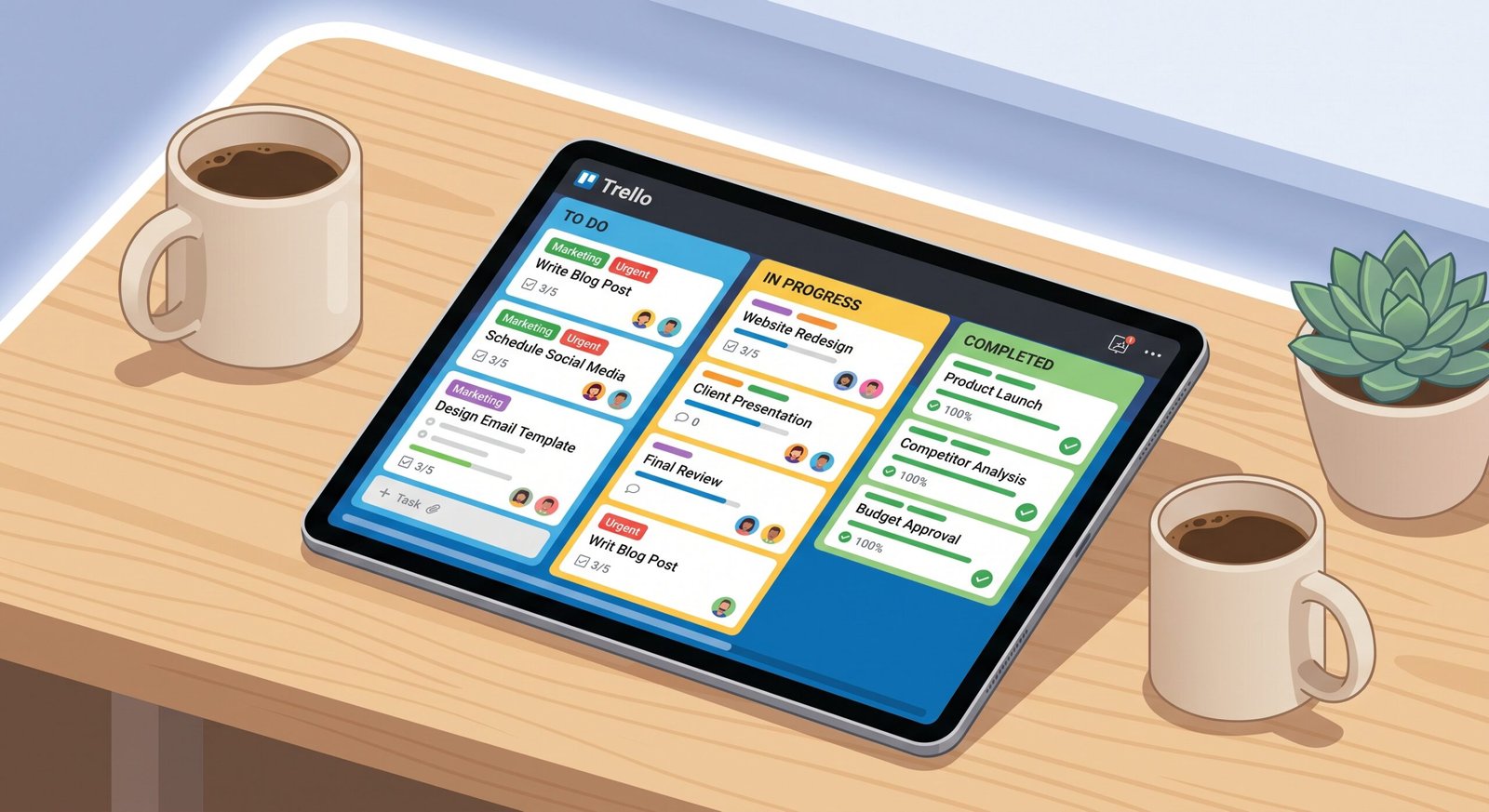
| Trello | Kanban Boards | Visual project pipelines | Unlimited cards & up to 10 boards |
| TickTick | Time-blocking & Lists | Habit tracking with Pomodoro timer | Integrated calendar view |
3. Time Tracking and Deep Focus Utilities
Productivity is as much about protecting attention spans as it is about cataloging tasks.
Toggl Track (Free Tier)
Toggl Track provides one-click time tracking across browser extensions, desktop apps, and mobile devices. It allows you to assign timers to specific clients or personal projects, generating automated summary charts that pinpoint where your hours actually go.
Forest & Clockify
- Clockify: Offers 100% free timesheets and reporting for unlimited projects, making it ideal for tracking billable hours.
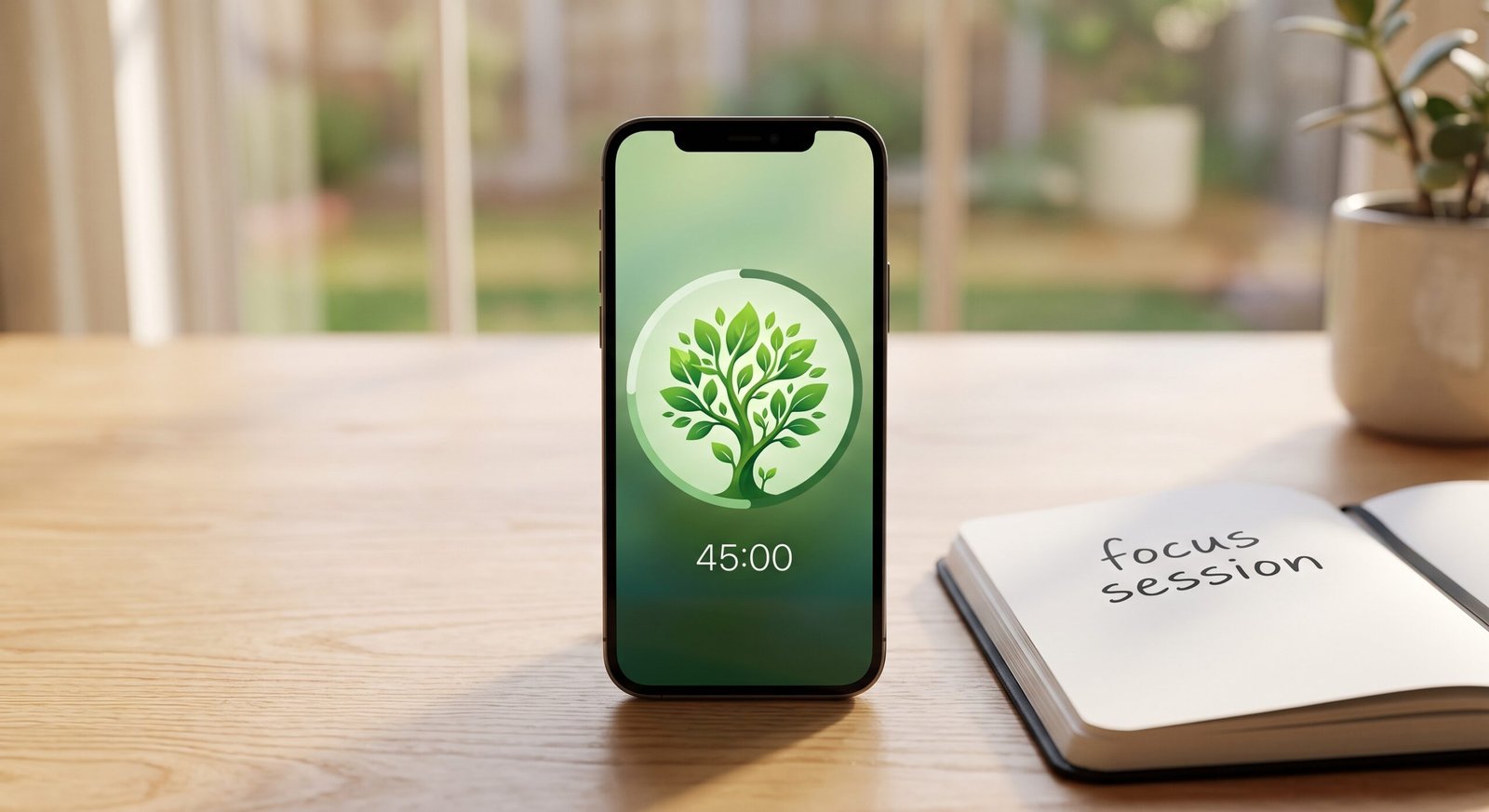
- Forest (Mobile): Uses gamification to discourage phone distractions during dedicated 25-minute Pomodoro focus sprints.
4. Communication and File Organization
Efficient communication prevents misaligned expectations and reduces back-and-forth messaging.
- Slack (Free Plan): Organize team conversations or personal project logs into dedicated topic channels with searchable message histories.
- Google Drive: Provides 15 GB of free cloud storage paired with Docs, Sheets, and Slides for real-time collaborative editing.
Frequently Asked Questions
Can you build a complete workflow using only free productivity software?
Yes. Modern free plans offer sufficient database storage, task organization, and cloud syncing for individuals and small teams without requiring paid upgrades.
Which top free productivity apps are best for daily time management?
Todoist is best for fast task capture, while Toggl Track paired with Google Calendar provides the strongest setup for time-blocking and analyzing work habits.
How do I avoid spending too much time customizing productivity apps?
Start with pre-built minimal templates. Focus on entering and completing tasks rather than over-engineering complex dashboards during your primary working hours.
Selecting the right tools from this list of top free productivity apps removes friction from your daily routine and turns unstructured hours into focused output. Implement one task manager and one time tracker today to experience an immediate improvement in your daily workflow.
1 thought on “Top Free Productivity Apps: Streamline Daily Workflows”